Does the crew need to install anything?
No. Storecrew runs in the phone's browser; iPhone users add it to the home screen. There is an Android app too, on Google Play.
Can it replace When I Work?
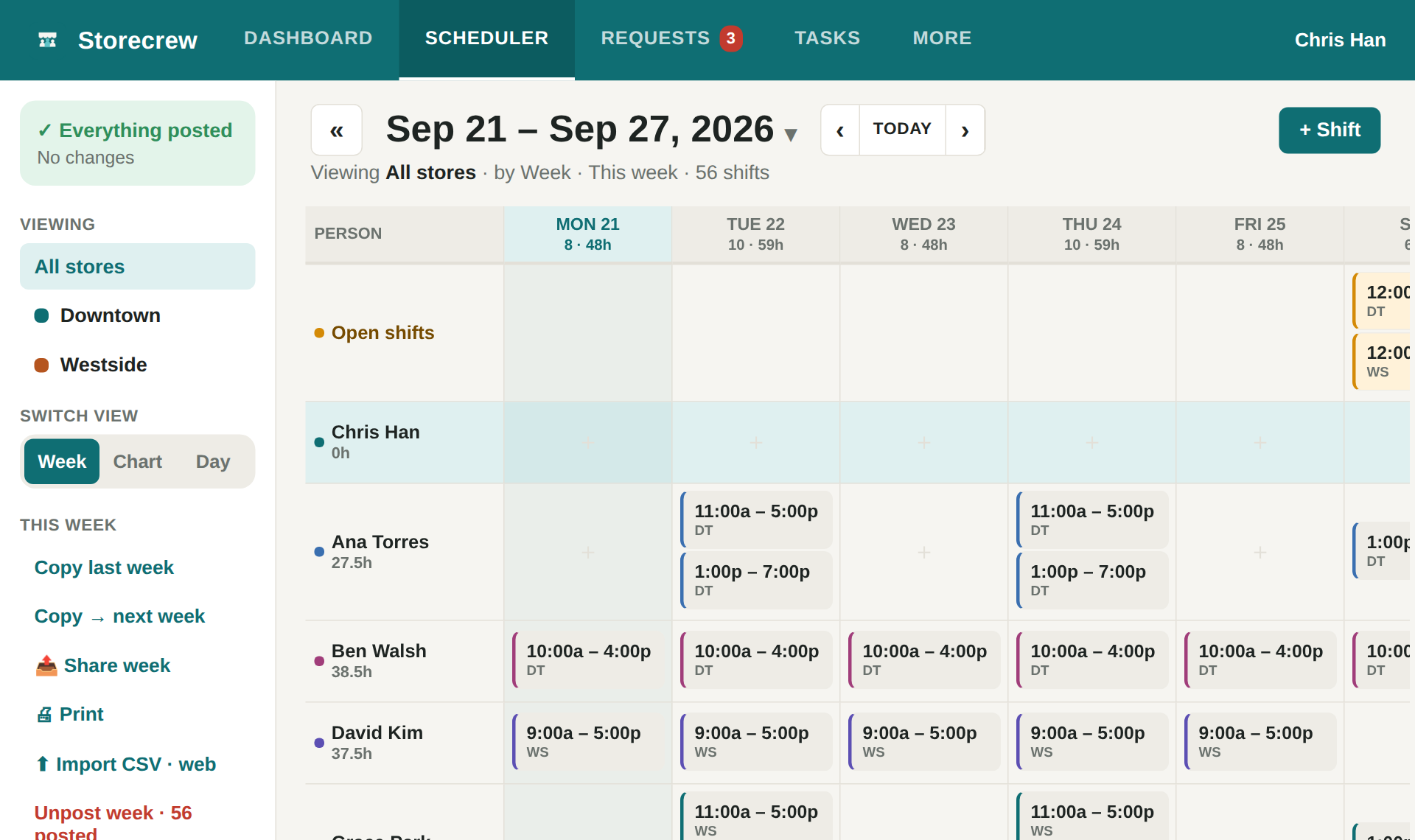
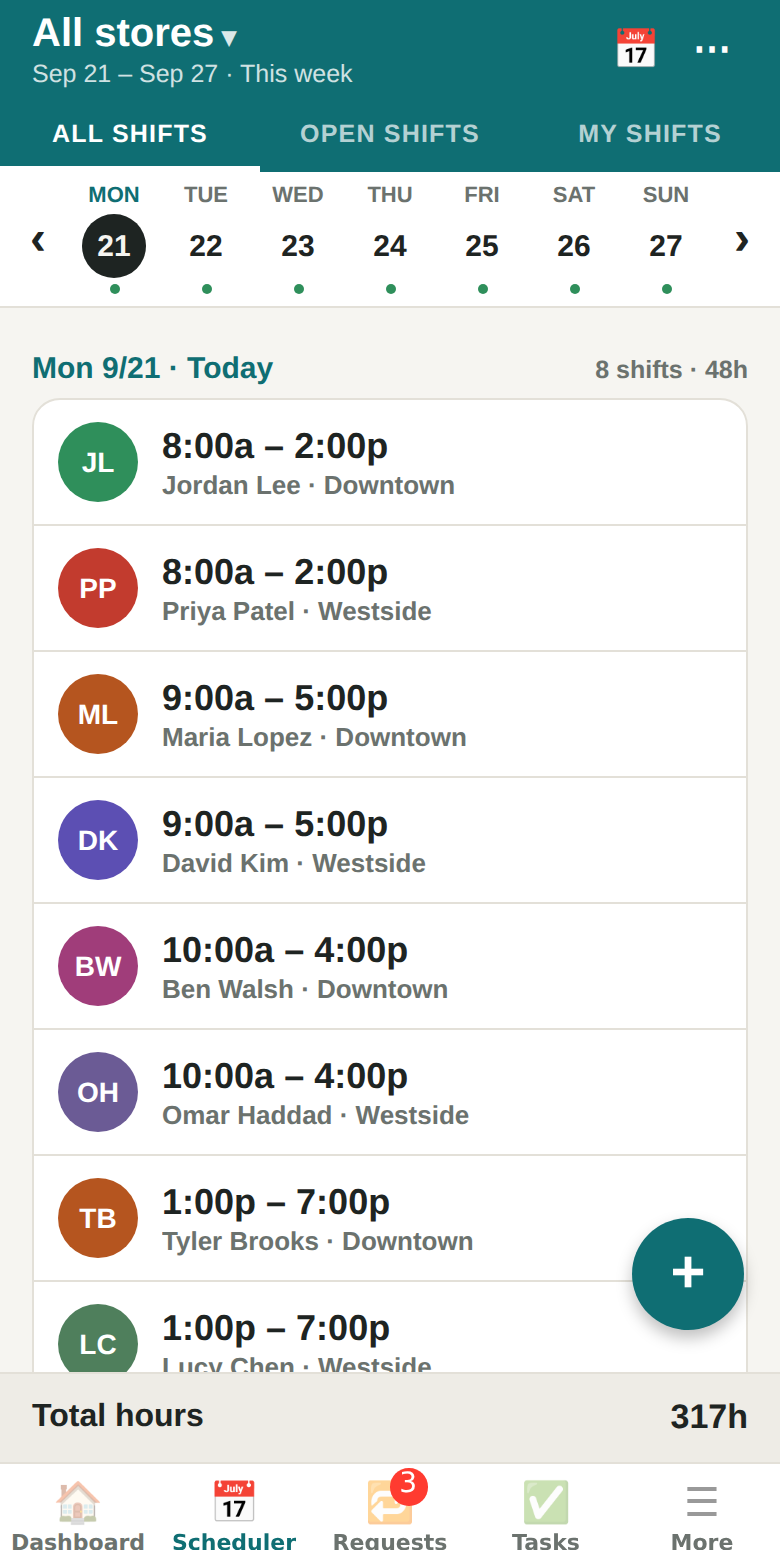
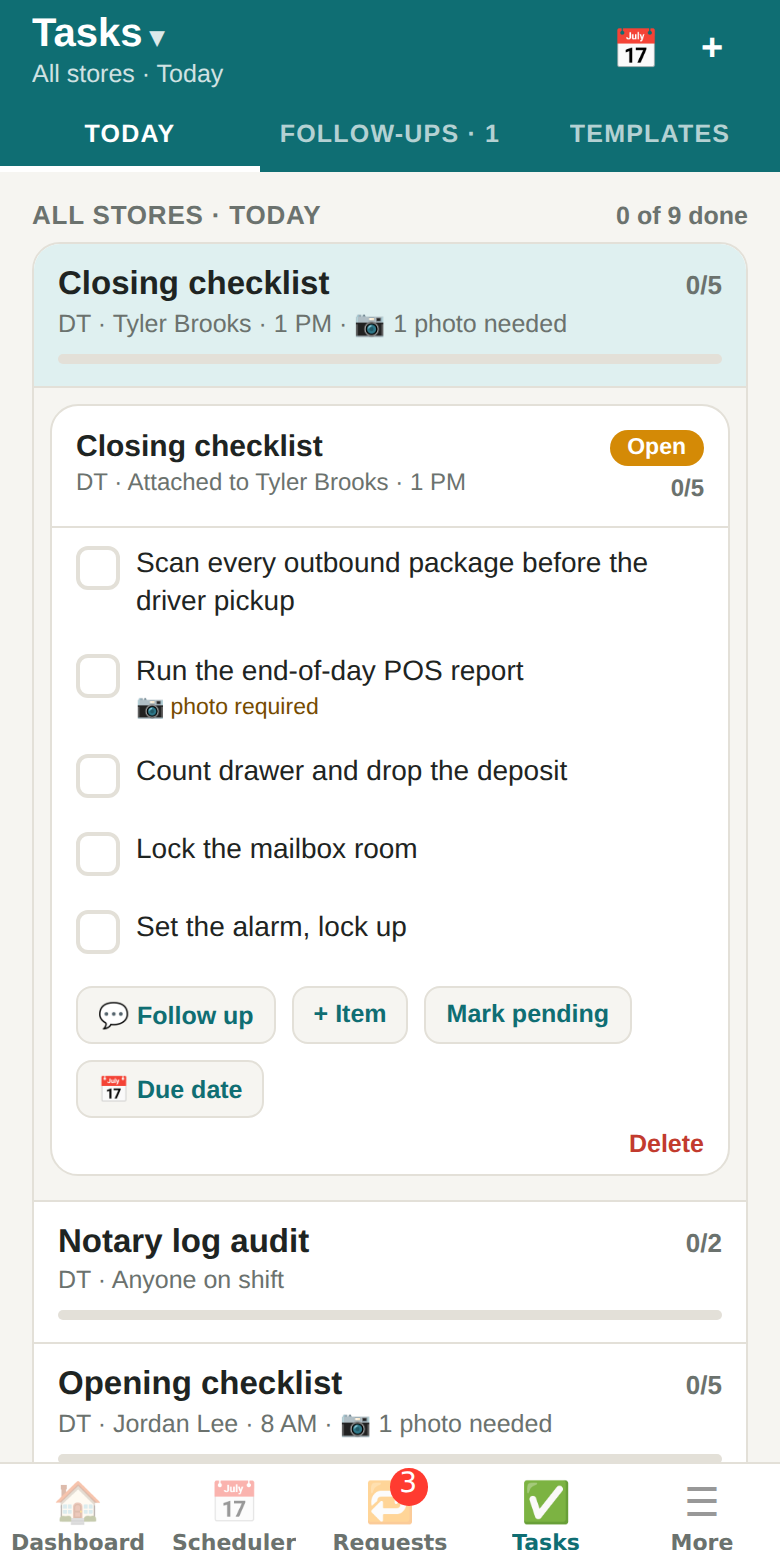
For a small store, yes: scheduling, open shifts and swaps, time clock, time-off approvals and timesheets are all here. Storecrew adds the opening and closing checklists with photo proof that a scheduling tool does not have. Team chat is not included; handoff notes cover the next shift.
Does it work for more than one location?
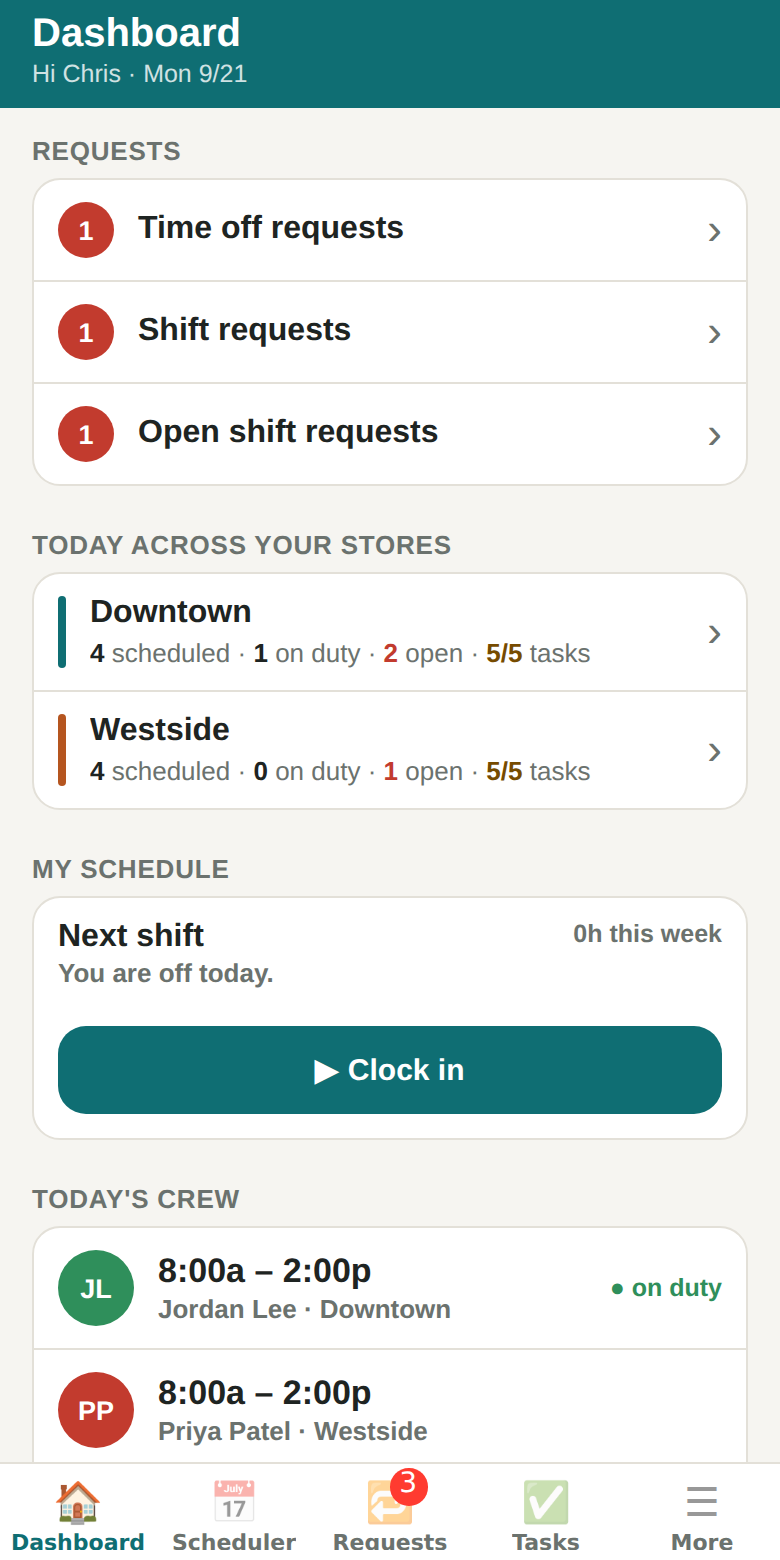
Yes. An owner sees every store; a manager sees the stores they are assigned to; the crew sees their own. Reports run per store or across all of them.
How do I try it?
Open the app and choose "Tour with two sample stores" — a full week of shifts, checklists and requests you can click around without an account. Creating your own store takes a minute.
Does Storecrew use AI?
Ask Storecrew, the built-in assistant, answers questions like “Who's working today?” on your phone or computer, from the schedule you can already see; your questions are not sent to any AI service. AI is used only for two things you choose: 📷 Read from a photo sends the photos you pick (a paper schedule, a staff list, a checklist or a screenshot of another app) to Claude, Anthropic's AI, to be read; and a request you speak (🎤) or type to Ask — add a shift, ask for time off, give away a shift, add a task — sends just those words and today's date to Claude to be understood. Nothing is kept, and nothing is saved until you check it and tap Yes.
Where is my data?
In a hosted Postgres database with row-level security: each organisation sees only its own rows. You can delete your account and its data from inside the app.